







Key Takeaways
- Computer vision enables automated, real-time tracking of warehouse inventory, reducing dependency on manual processes and minimizing errors caused by human intervention.
- The architecture relies on cameras, sensors, and AI to capture, process, and analyze visual data, improving the efficiency of inventory control.
- Preprocessing steps like image enhancement and noise reduction ensure the AI system works with high-quality, relevant visual data.
- AI models such as CNNs, YOLO, and OCR accurately recognize, classify, and extract information about warehouse items and product movement.
- Integration with WMS/ERP systems and a user-friendly UI ensures real-time synchronization, actionable alerts, and clear visibility for warehouse staff.
With so much competition in the market, handling warehouse inventory correctly is paramount. As companies grow, supply chains have become more complex than ever. Also, even conventional techniques for tracking inventory have failed to fulfill the demands. Research has shown that these techniques consume time and result in delays because they are prone to human mistakes.
With the popularity of artificial intelligence and technological advancements, computer vision is one of the most beneficial tools for modern warehouse management. Computer vision enables real-time inventory tracking by allowing machines to recognize and interpret visual data.
A Computer Vision warehouse inventory management system employs cameras, sensors, and AI algorithms to detect and interpret visual information. The system generally incorporates machine learning and deep learning technologies to enhance object recognition and classification capabilities. The system can identify products in varying environments.
The technical architecture of a CV-based inventory system generally includes several layers: hardware (cameras, sensors, and servers), software (AI algorithms, data processing frameworks), and integration with warehouse management systems. Warehouse experts can avoid stockouts and overstocking if they regularly check the inventory.
Also read: IoT, AI & Automation: Building the Autonomous Enterprise.
Key Components of the Architecture of a Computer Vision System for Warehouse Inventory Management
The technical architecture of a computer vision system for warehouse management consists of numerous layers. These layers combine to help automate the inventory tracking procedure. Every layer plays an important role and ensures the procedures are reliable.
The major components are
1. Cameras/Sensors
Cameras and sensors are significant components of a warehouse inventory system. They help experts capture all the visual data of the warehouse environment. This allows them to monitor and observe the inventory, considering the latest environmental changes. Without these components, the system would have no other warehouse analysis technique.
Types of cameras and sensors:

Fixed Cameras
These cameras are mounted on walls or ceilings within the warehouse and remain in a fixed position. They provide a stable view of a specific warehouse area, allowing them to capture wide-angle shots or specific shelves or zones.
Mobile Cameras
These cameras are attached to moving machines like robots or forklifts. Mobile cameras are crucial for monitoring inventory in dynamic environments where products may be transferred, and fixed cameras might not capture everything.
Additionally, some systems use advanced sensors like LiDAR (Light Detection and Ranging) or infrared sensors. LiDAR sensors can measure distances using laser light, creating 3D maps of the warehouse, which help identify the layout and positions of items. Infrared sensors help detect temperature changes and can sometimes be used to count or monitor the environment for specific conditions.
2. Data Collection Layer
Once the warehouse’s cameras or sensors capture images or video data, this information must be transmitted to the system’s processing unit for analysis. The data collection layer is responsible for transferring and storing this data.
Types of Data:
Image Data
The cameras capture static images (e.g., JPEG, PNG file formats). Image data helps analyze the products’ visual features, such as their labels, shape, or size.
Video Data
Video data consists of continuous sequences of images (e.g., MP4, AVI file formats). Video data is valuable for tracking the movement of items in the warehouse over time, allowing the system to monitor how inventory is being moved and where it is located.
The captured images and video are then temporarily stored in cloud storage or local servers, depending on the system’s configuration. Storing data in the cloud allows for easier access and scalability, while local storage can sometimes be faster for immediate processing.
3. Preprocessing Layer
The raw images or video data captured by the cameras and sensors are often not ready for immediate analysis. They may contain noise or unnecessary details that could confuse the system. The data is cleaned and prepared for further study at the preprocessing layer.
Steps in Preprocessing:
Image Enhancement
This step involves adjusting the image to improve its quality. For example, changing the contrast makes objects more visible or brightening dim pictures so that the details stand out more clearly.
Noise Reduction
Cameras sometimes capture random noise or irrelevant patterns in the background. These are unwanted details that can confuse the system. Noise reduction techniques remove these distractions, allowing the system to focus only on the relevant items.
Object Detection
In this step, the system identifies the objects in the image or video, such as boxes, pallets, or products. The goal is to separate essential objects from the background and identify them as specific inventory items.
Preprocessing tools include OpenCV (an open-source library for computer vision) and various image processing techniques, such as thresholding (to create a clear distinction between objects and background) and background subtraction (removing irrelevant parts of the image).
4. AI/ML Model Layer
The AI/ML model layer is where the real magic happens. This is the stage where the system’s AI models analyze and make sense of the cleaned-up images. These models are trained on large datasets to recognize picture patterns, such as product labels, barcodes, or the shape and size of items.
Model Types:
Convolutional Neural Networks (CNNs)
CNNs are a type of deep learning model used for image classification. They are designed to recognize visual patterns and features in images, such as distinguishing between different products based on appearance.
YOLO (You Only Look Once)
YOLO is a model specifically designed for object detection. Unlike traditional object detection methods, YOLO can simultaneously detect multiple objects in an image. This is essential in a warehouse, where several products may be viewed simultaneously.
OCR (Optical Character Recognition)
OCR technology reads text from images, such as barcodes, labels, or product codes. This helps the system identify specific products based on written information.
The tools and frameworks used in this layer include TensorFlow, PyTorch, and Keras, which are powerful platforms for developing and training deep learning models. These tools allow the system to accurately interpret images and make informed decisions based on the visual data it receives.
5. Processing & Decision Layer
Once the AI models identify the objects in the images, the next step is to make decisions based on the results. The processing and decision layer is where the system determines the following actions to be taken, such as counting items, tracking their movements, or identifying missing products.
Tasks in this Layer:
Count the Number of Items
Based on the recognized objects, the system can count the number of units of a product present in a particular area.
Identify Products
The system may use predefined labels or codes to classify products and confirm that they match the physical inventory.
Track Product Movements
The system can track inventory as it moves in or out of the warehouse, which is essential for maintaining accurate stock levels and reducing errors.
The processing layer works with existing data sources, such as the warehouse management system (WMS) or barcode/QR code data, to ensure that the decisions align with the real-time inventory.
6. Integration Layer
The data that the system processes and analyzes needs to be integrated with other systems, like the warehouse management system (WMS) or enterprise resource planning (ERP) system. The integration layer ensures that the results from the CV system are synced with these larger systems for inventory management.
Tasks in this Layer:
Sync Item Counts
The system updates the WMS with accurate inventory counts, ensuring up-to-date stock levels.
Generate Stock Reports
The system can generate detailed inventory levels, movements, and location reports.
Update Inventory in Real-Time
The system allows for real-time updates to inventory data, which helps in decision-making and minimizes the risk of errors.
This integration often happens through APIs (Application Programming Interfaces) that enable smooth communication between the CV system and other software. Webhooks may also be used to push data in real-time to connected systems.
7. User Interface (UI) Layer
The user interface (UI) layer is the final part of the architecture, where the results of the inventory tracking are displayed in a way that is easy for warehouse staff to understand and use.
Components:
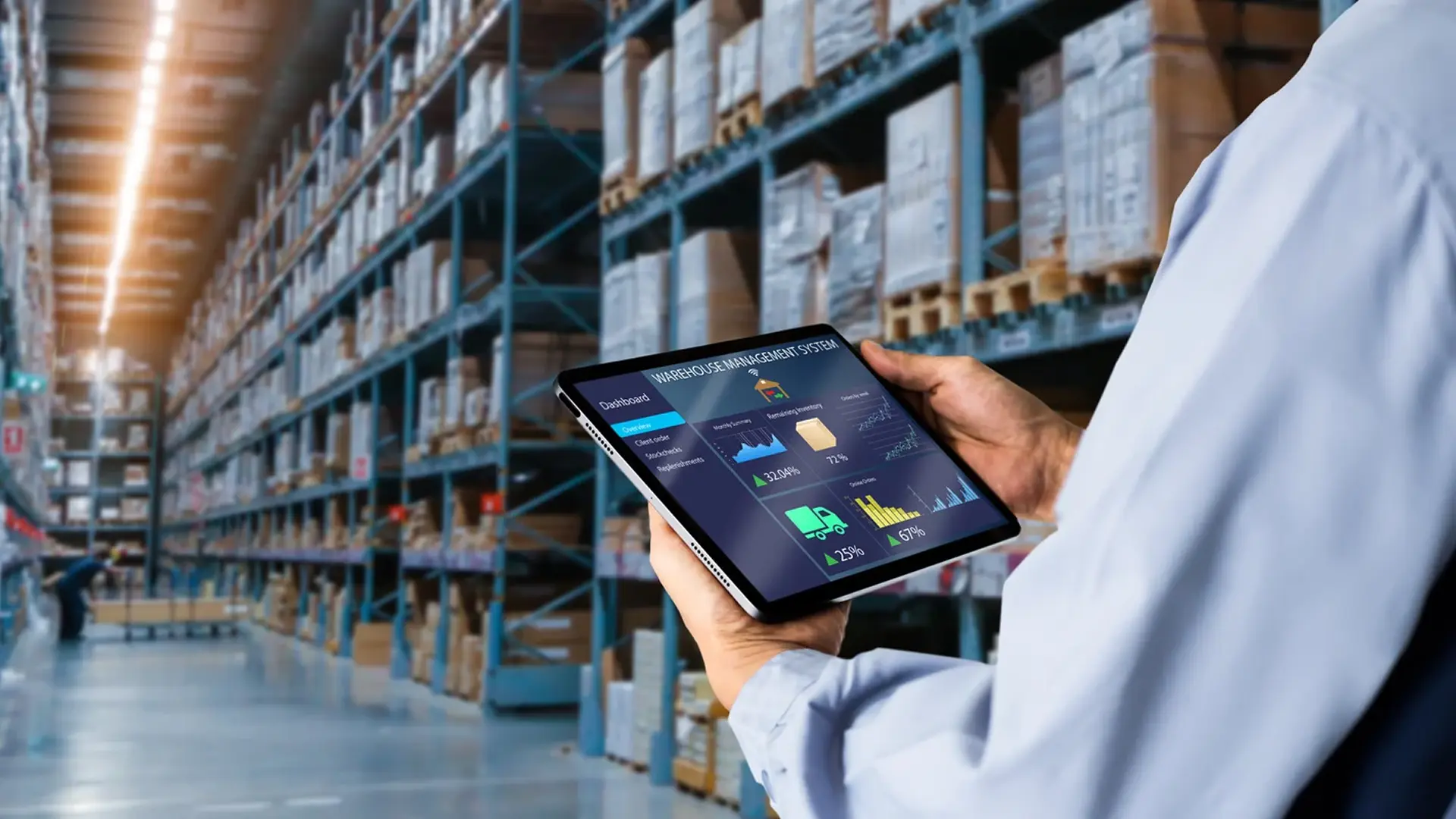
Dashboard
A real-time dashboard shows essential information about inventory, such as current stock levels, items that need restocking, or misplaced products.
Alerts
The system can alert warehouse staff when items are running low or stock levels are discrepant.
The UI is typically accessed via web or mobile applications, and the data may be visualized using tools like Tableau or Power BI, which help present the data in clear, visual formats.
Conclusion
A computer vision system for warehouse inventory management uses several layers of technology to automate and streamline the inventory tracking process. Each component plays a vital role in ensuring the system works efficiently, from the cameras and sensors that capture the data for the AI models that analyze it. By combining image processing, AI, and integration with existing warehouse systems, businesses can improve the accuracy of their inventory management, reduce human errors, and make real-time decisions that will enhance overall warehouse efficiency.





